

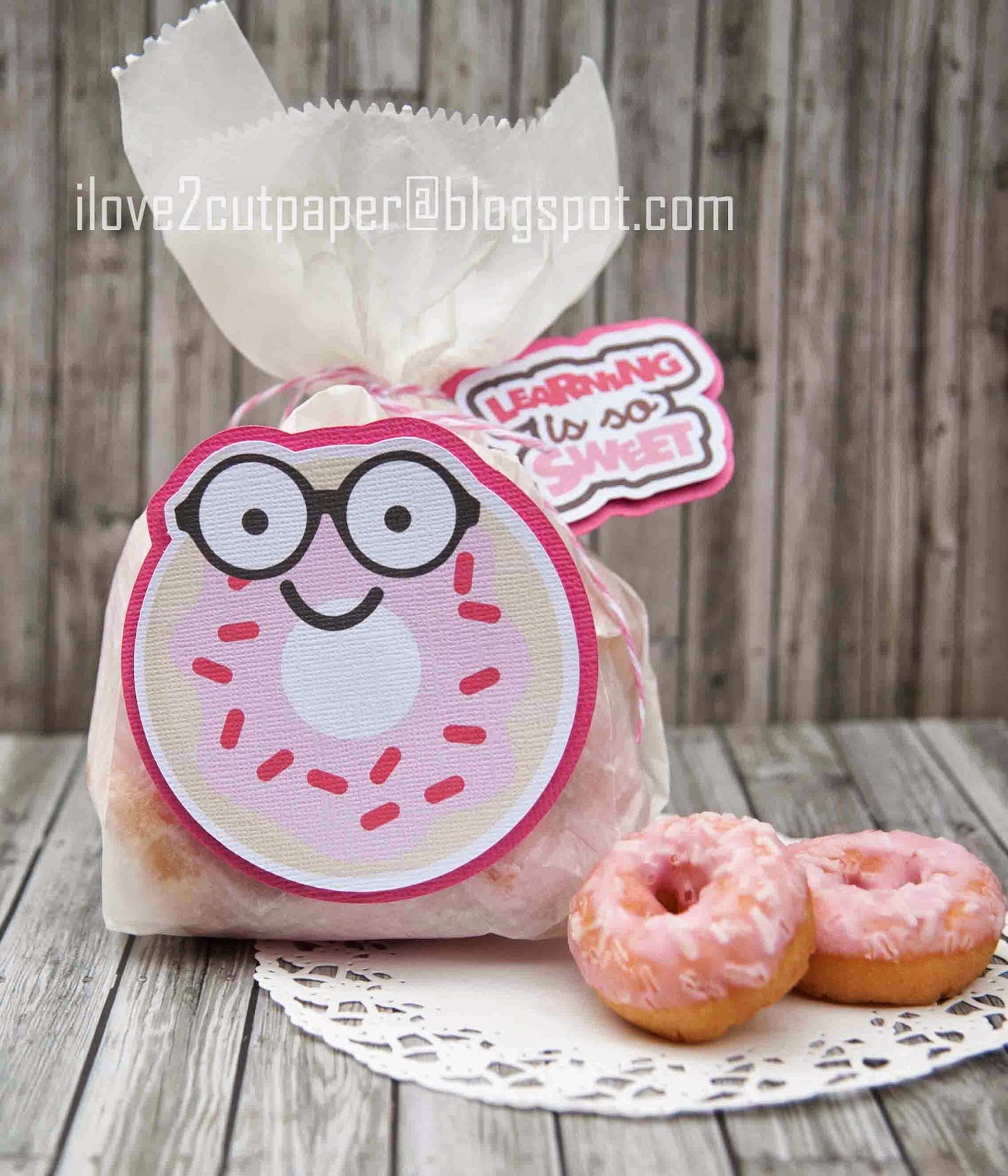
Gosh, using my Inspiration Vue with the InVue software is soooooo easy to Print and Cut svg files! I basically imported the LD Nerdy Nummies cutting files onto my visual mat, created the Registration Mark and printed out my files using my printer.
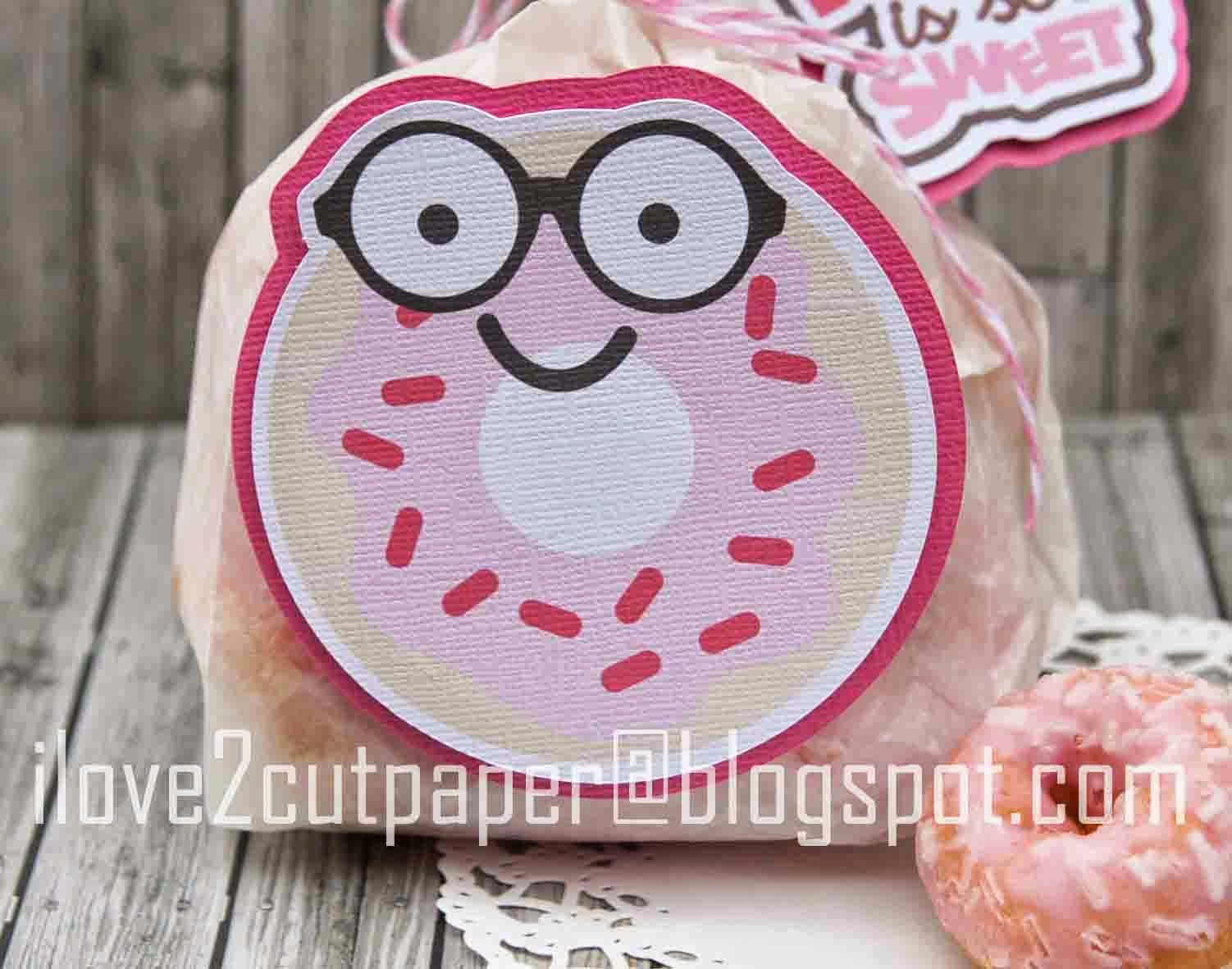
I placed my printout onto my Pazzles Print and Cut mat, then created a contour line for the white border. I created an outline to cut the extra layer out of pink cardstock........and that was it!
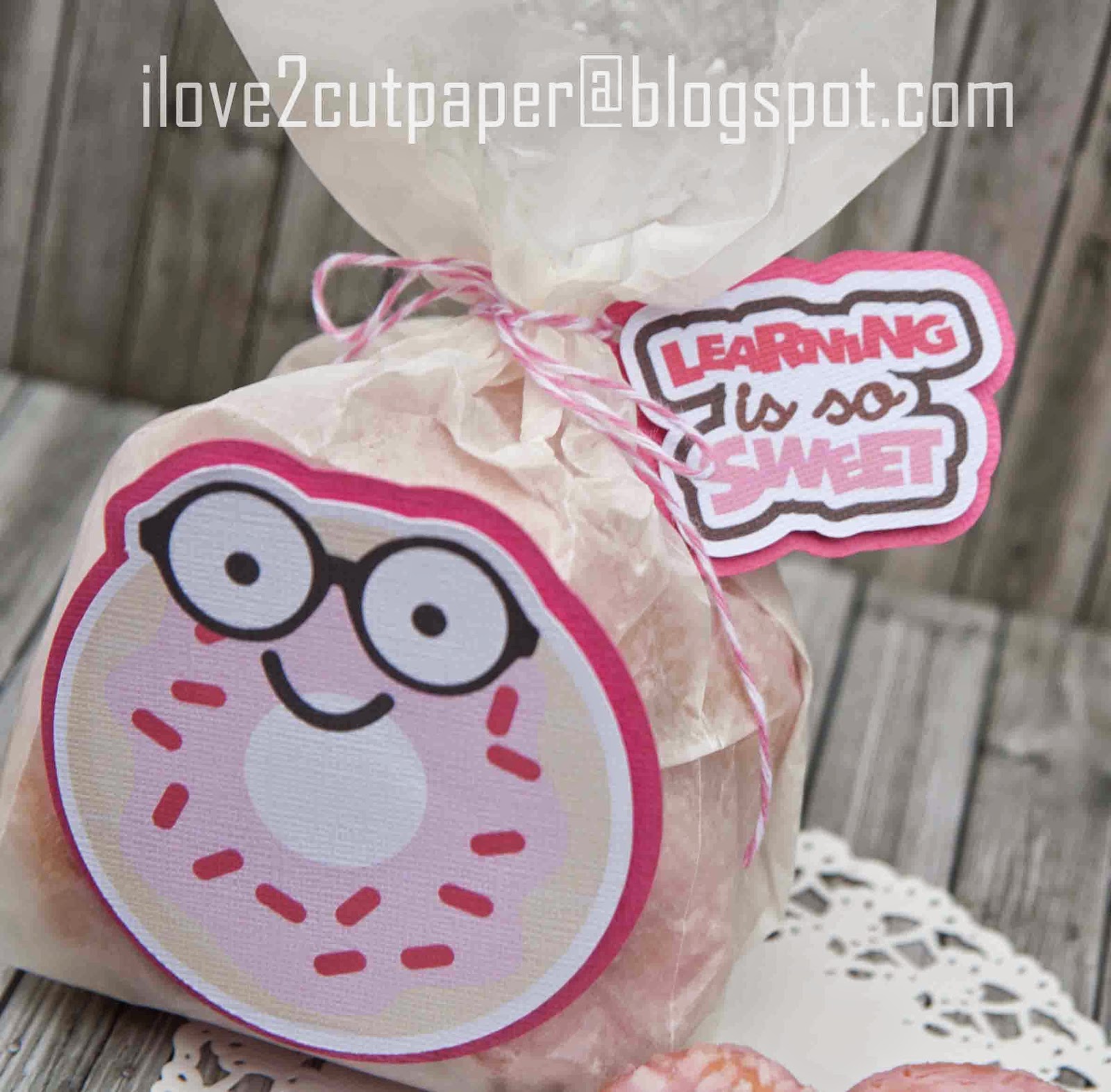
I also followed the same technique for the little sentiment tag (whoops sorry for the blurry photo).

If you grab the FREEBIES here, and then at check out you are able to purchase your LD Sneak Peek (Nummies) files at a saving of 50% for a limited time.
Now, I am off to treat myself to those extra doughnuts!!!!
*****
Click image below to see further details on the NEW Inspiration Vue cutting machine which uses a NEW OPTICAL EYE for precision Print and Cut.
Joanna x

