FREE LD product

FREE LD product
FREE Giraffing Out Aloud Product worth $40+ when you open a LD account
Showing posts with label Candy Cane. Show all posts

Monday, 17 November 2014

Candy Cane Christmas Cards

Candy Cane cards - Pazzles Inspiration Vue

Over in the Pazzles Craft Room, it's Christmas Card Week!
As part of the Pazzles Design Team, we were asked to make some Christmas cards using our 

Print and Cut, Inspiration Vue

The brief was to create 2 different versions of a Christmas Card. The first version needed to be quick and easy which could be made in bulk.  For this card (above), I used my new Inspiration Vue and created a Print and Cut card.
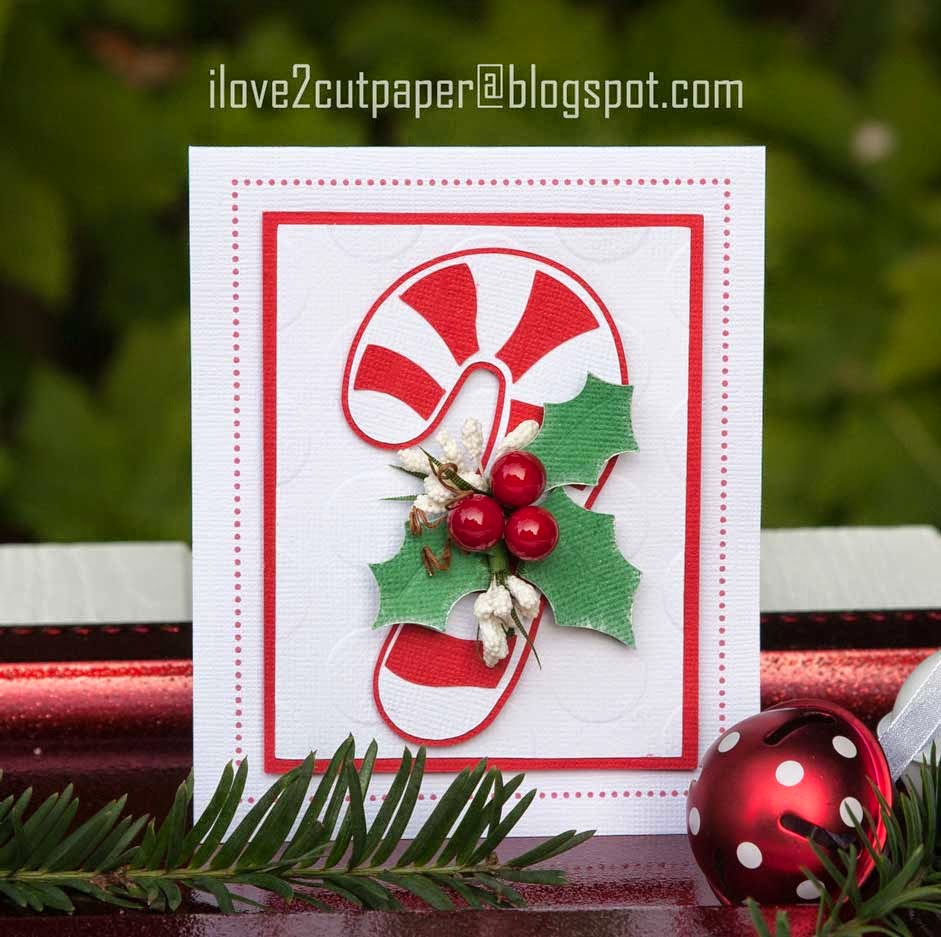
Pazzles Inspiration Vue, paper pieced Candy Cane

For the second card, I paper pieced all the elements on the card.  I also embossed, inked around the leaves and added my embellishments and therefore it was more time consuming and would only want to create for family and close friends.


I hope you like my Candy Cane Christmas Cards and please make sure you head over to the Pazzles Craft Room, (HERE) to read my FULL blog post.  Remember to check out the rest of the Design Teams Christmas card projects during the week (click above image for direct link).

I can't wait to see the rest of the the Design Teams projects.

Joanna x

Cutting Supplies:-
Pazzles Cutting Machine – Inspiration Vue
Candy Cane Cutting File - Pazzles Craft Room Library

Thousands of Images 468x60

*****
Click image below to see further details on the NEW Inspiration Vue cutting machine 
(available in 4 gorgeous colours).

Inspiration- Vue Print and Cut


Follow on Bloglovin

and LIKE my Facebook Page.

Tuesday, 24 December 2013

Candy Cane


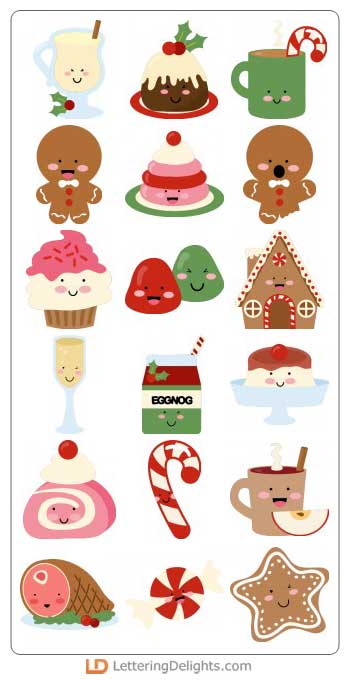
Here is another quick card using Print & Cut with my Pazzles Inspiration and the recently released LD Christmas Calories cutting files.

Electronic Die Cutter 468x60

I have used the Candy Cane cutting file from the same file and placed it within a rectangle shape.  I made an in-line of the rectangle and used the Rhinestone Feature to make my dotted border.  I selected one of the rhinestones and filled in in red using the colours from my svg palette.  I just placed my image within the rectangle.


I then, created my own sentiment using one of the fonts already installed on my computer.  I just alternated the colouring of the lettering using my colour palette from the svg file.

I just printed the card using my printer without the need to make any registration boxes as it was simple enough to cut around the outline using my paper trimmer.

At the moment, I am suffering from Pleurisy (which is quite painful) and I am behind in posting my projects, which will now have to wait until after Christmas.

So, here is wishing everyone of my followers on my BLOG and FACE BOOK PAGE a Happy Christmas and a healthy New Year.  

I appreciate everyone of my followers and all the comments that you leave on my blog, which inspires me to continue to post here.

Hugs and best wishes for 2014 ~ Joanna

Cutting Supplies:-

LD Christmas Calories - cutting files


Joanna x


*****


$99 Craft Room Vue 468x60